
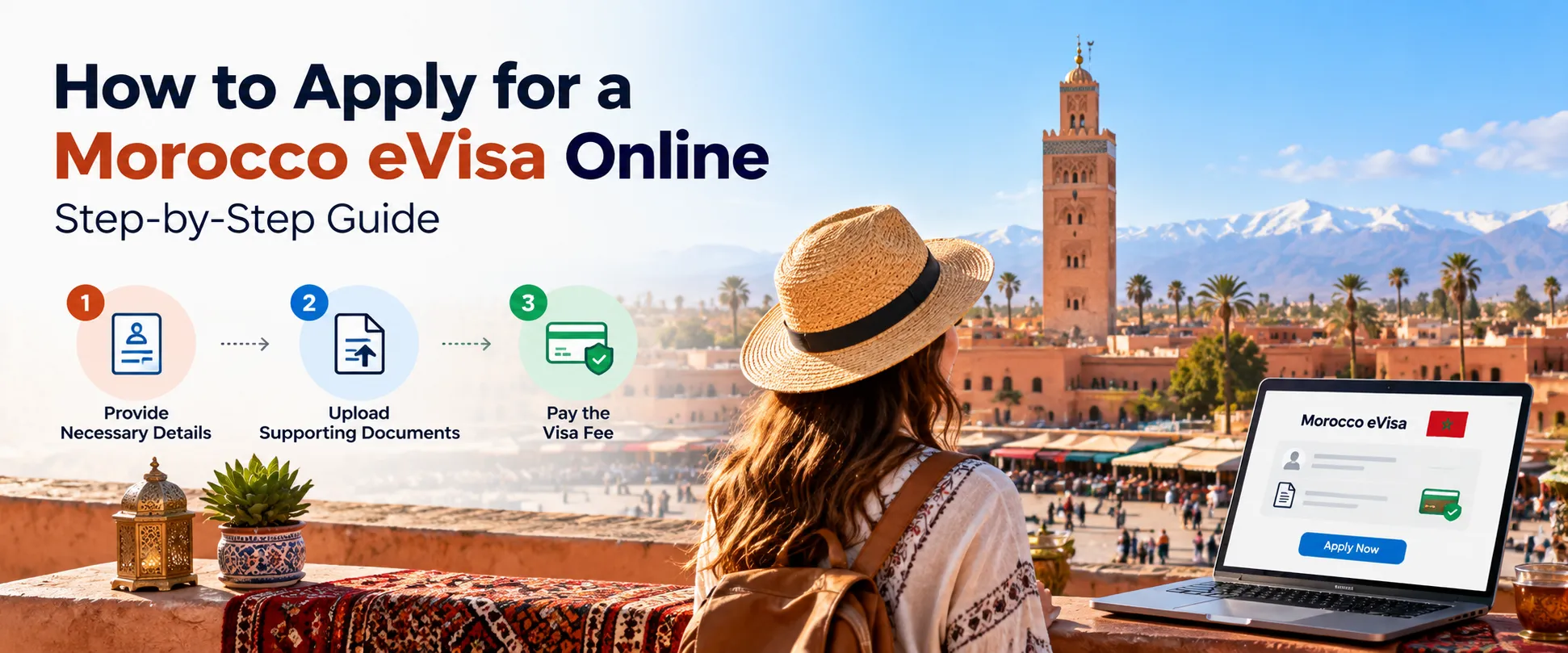
If you're planning a trip to Morocco, the visa is probably one of the first things on your checklist. The good news is that the Morocco eVisa application through Vistoroute is done entirely online and comes down to three main steps: provide your details, upload your documents, and pay the fee.
This guide covers each step in practical detail so you know what to expect before you start.
Quick Answer: How to Apply for a Morocco eVisa Online?
To apply for a Morocco eVisa online through Vistoroute, follow these three steps:
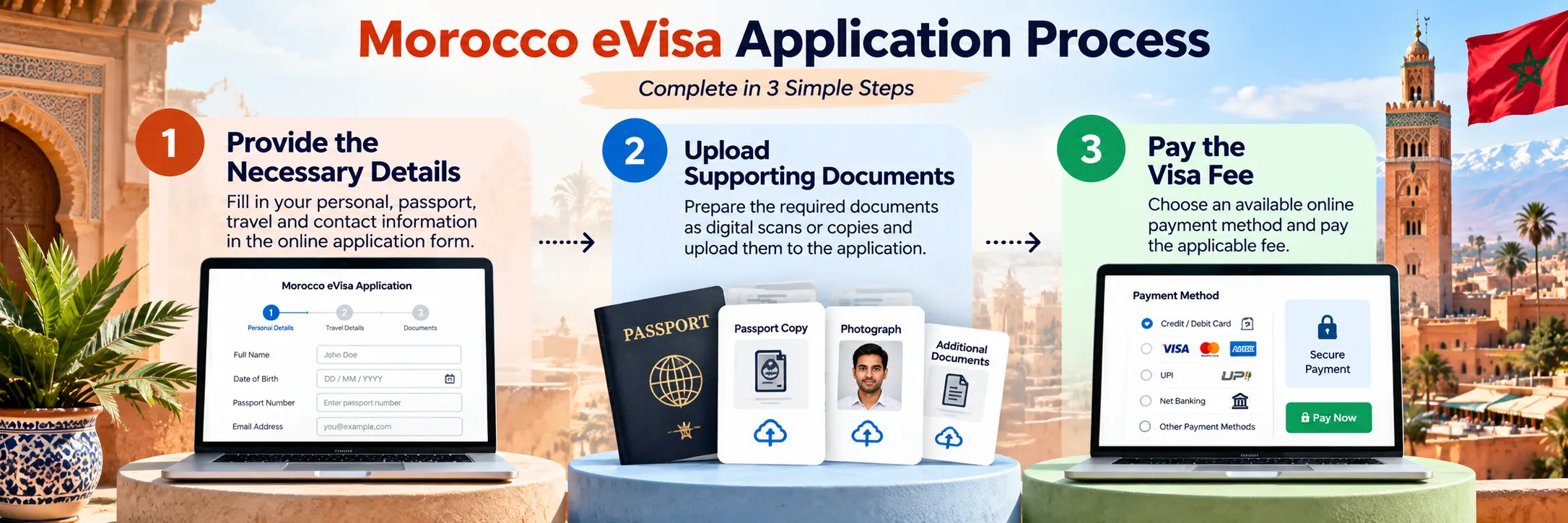
- Provide your details. Fill in your personal, passport, travel and contact information.
- Upload your supporting documents. Add the required documents as digital scans or copies.
- Pay the visa fee. Choose an available online payment method and pay the applicable application fee.
After payment, you should receive a confirmation email containing your application ID. Keep that email safe. Once your application is approved, the approval is also sent to you by email.
You can start from the Morocco eVisa page on Vistoroute.
Morocco eVisa Application Process
The whole process happens on screen. There is no paper form to print and no office to visit. You move through the three steps in order, and each one builds on the last.
Set aside some uninterrupted time and keep your passport and documents next to you. Most problems with online visa applications come from rushing, not from the process itself.
Step 1: Provide the Necessary Details
The first step is completing the online application form. You'll be asked for four kinds of information:
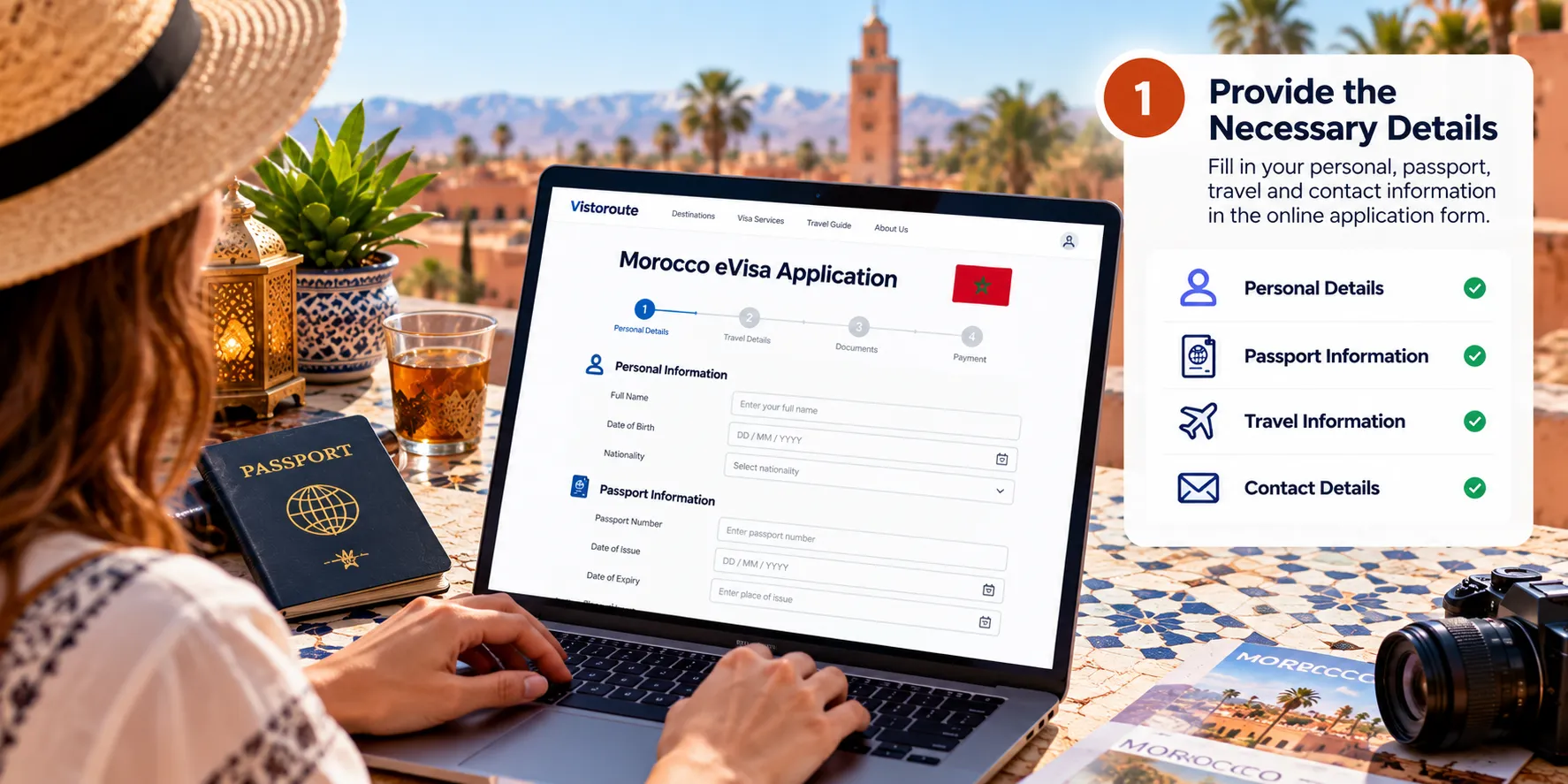
- Personal details, the basics that identify you as the applicant
- Passport information, taken from your passport
- Travel-related information, which covers your trip to Morocco
- Contact details, so you can be reached about your application
The key here is accuracy. Copy your passport details exactly as they appear in the document itself, not from memory or from an old form you filled in elsewhere. Even a small typo in a name or a passport number can cause problems later.
Your contact details matter just as much. Your confirmation email and your approval notice both go to the email address you enter, so double-check it.
Before you move on, read through everything once more. It takes two minutes and can save you a lot of trouble.
Step 2: Upload Supporting Documents
Next, you upload the supporting documents for your application. These need to be in digital form, so you'll want clear scans or copies ready before you reach this step.
A few habits make this part easy:
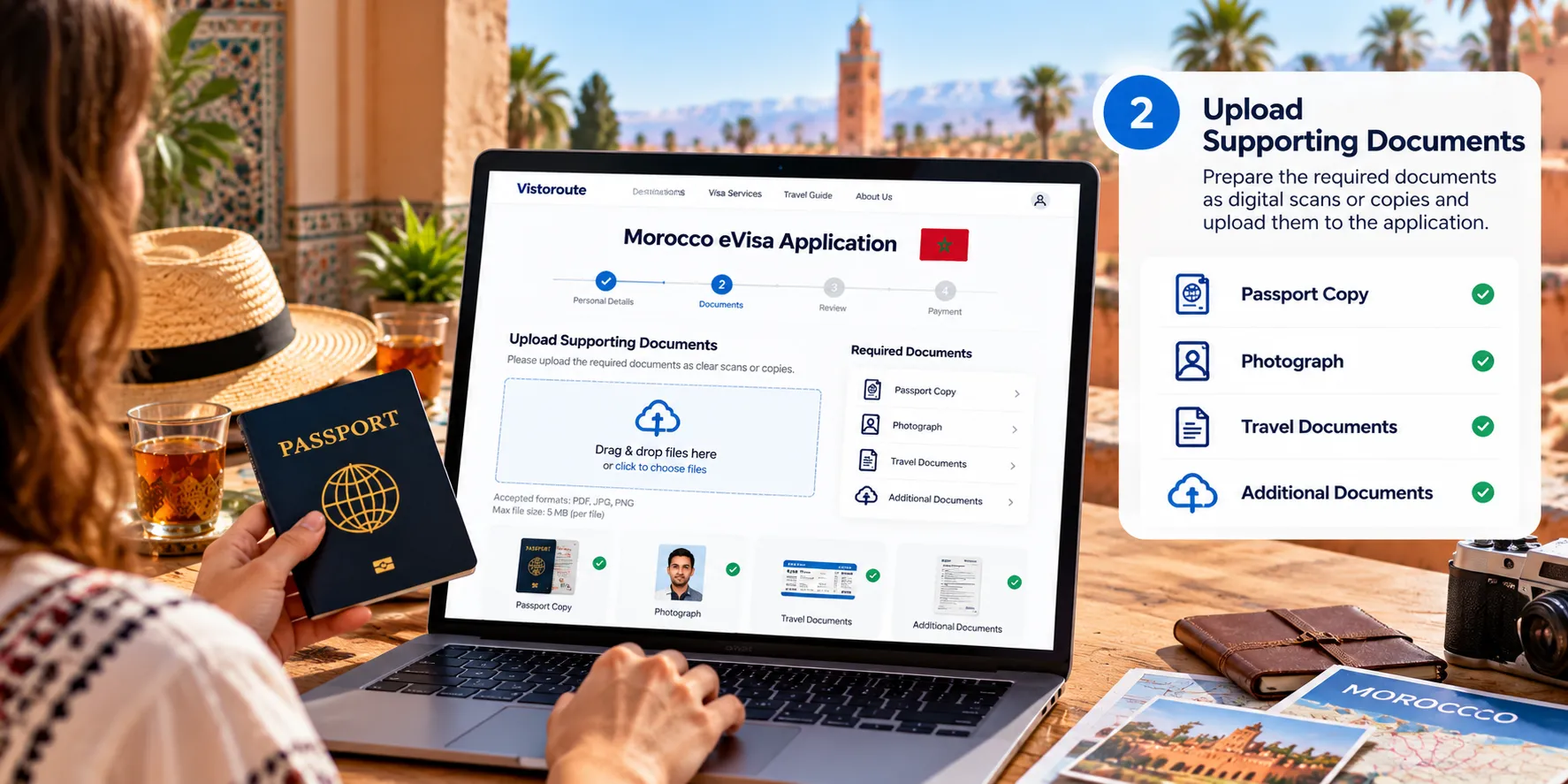
- Use scans or photos that are sharp and fully readable.
- Make sure nothing is cut off at the edges.
- Upload the documents that the application asks for, nothing more and nothing less.
- After uploading, open each file and confirm it's the right one.
The exact documents you're asked to provide appear during the application itself. For a full overview ahead of time, see the Morocco eVisa requirements section on Vistoroute.
Step 3: Pay the Visa Fee
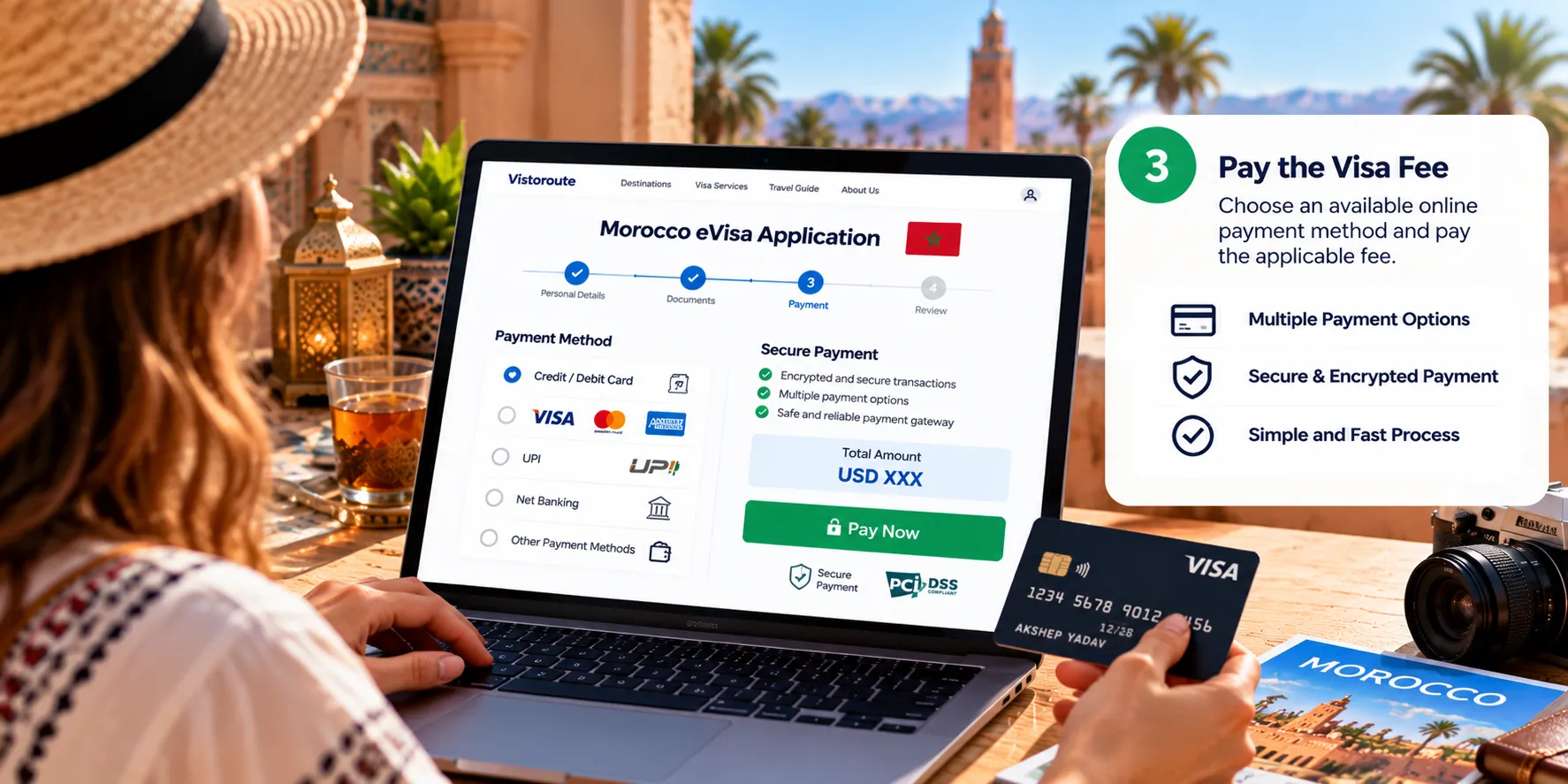
The last step is payment. You pay the applicable application processing fee online, using whichever payment method is available to you at checkout.
The amount depends on the details of your application, so check the fee shown on the payment page rather than relying on a figure from a third-party site. Vistoroute also has a page covering Morocco visa fees.
Once you've paid, make sure the transaction actually went through. If your payment page shows an error or the page closes midway, don't assume it worked. Check your email and your bank or card statement before trying again.
What Happens After You Pay?
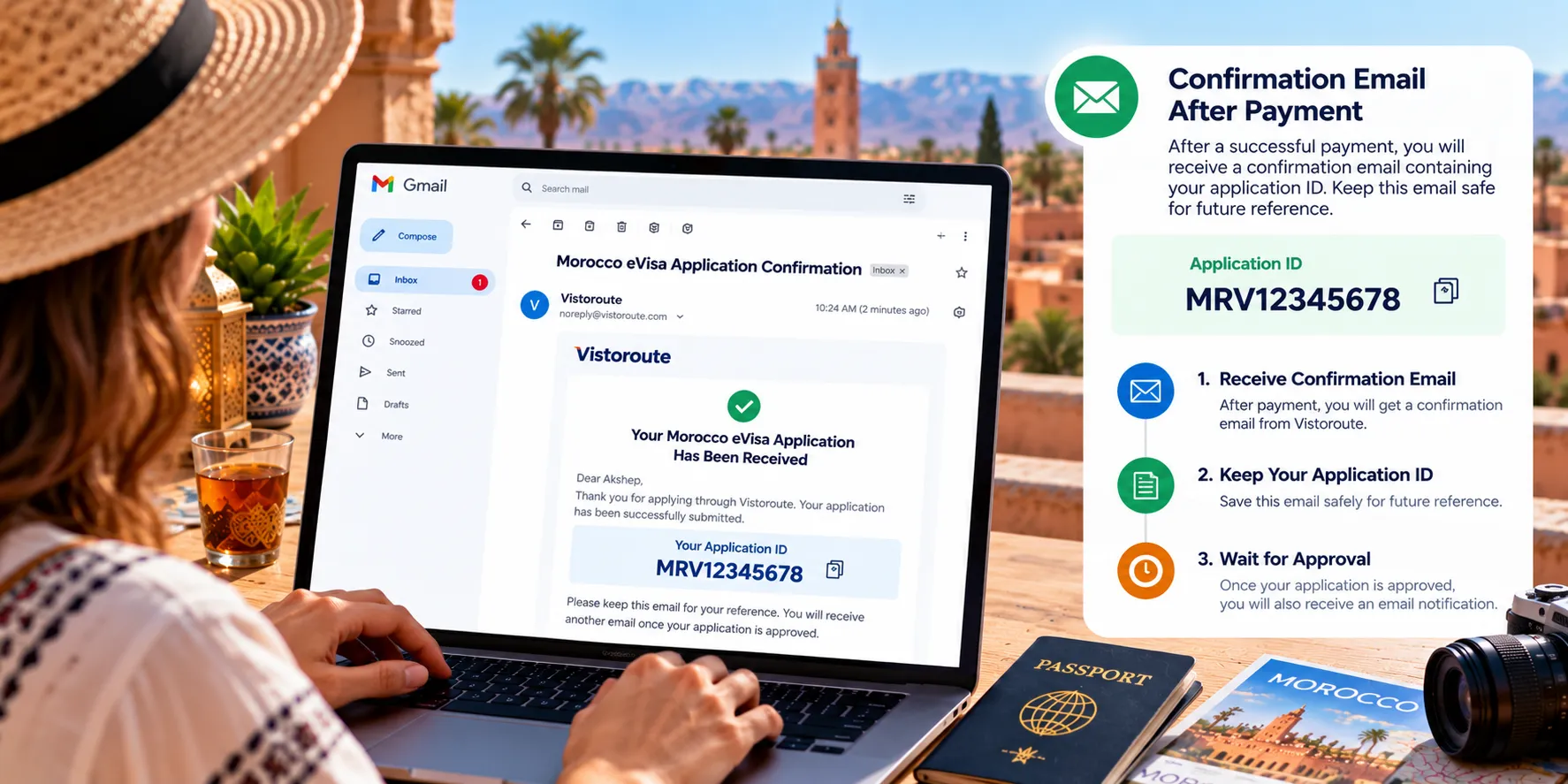
Once your payment is complete, you should receive a confirmation email. This email contains your application ID.
Treat this email as your reference. Save it, star it, or forward a copy to yourself. The application ID is how you identify your application if you ever need to refer to it later.
After that, you wait. When your Morocco visa application is approved, the approval is sent to you by email, so keep an eye on your inbox, and check your spam folder too if nothing appears when you expect it.
Vistoroute can't promise approval, and it doesn't control the decision. What you can control is submitting a complete, accurate application.
How to Avoid Mistakes When Applying for a Morocco eVisa
Most application errors are small and avoidable. These are the ones worth watching for:
- Wrong passport details. Compare each entry against your passport before submitting.
- Incorrect contact details. A single wrong letter in your email address can mean you never see your confirmation or approval.
- Blurry or cropped documents. If you can't read it easily, neither can anyone else.
- Uploading the wrong file. It's easy to attach the wrong scan when files have similar names. Check each upload.
- Skipping the final review. Read your answers one last time before you move to payment.
- Losing the confirmation email. Without it, you don't have your application ID handy.
- Assuming payment went through. Wait for confirmation that the transaction was completed.
A quick checklist before you submit:
- Passport details match the document
- Email address and phone number are correct
- Every uploaded document is clear and correct
- Payment is confirmed
- Confirmation email with application ID is saved
Morocco eVisa Application for Indian Travelers
If you're searching for a Morocco eVisa for Indians or a Morocco visa for Indians, the application itself works the same way: three steps, all online. Indian applicants provide their details, upload their documents, and pay the fee, then receive a confirmation email with an application ID.
Requirements can vary depending on a traveler's nationality, and the specific eligibility rules, documents and fees that apply to you should be checked before you apply. Vistoroute's Morocco eVisa page is the place to start for your Morocco visa online for Indians.
Because passport details are central to the application, Indian travelers should check that their passport information is entered exactly as it appears in the document.
Morocco eVisa Application: Frequently Asked Questions
How do I apply for a Morocco eVisa online?
Through Vistoroute, you complete three steps: provide your details, upload your supporting documents, and pay the application fee. A confirmation email with your application ID follows payment.
What are the three steps to apply for a Morocco eVisa?
Step one is providing your personal, passport, travel and contact details. Step two is uploading the supporting documents. Step three is paying the applicable fee online.
What information is required for a Morocco eVisa application?
You'll be asked for personal details, passport information, travel-related information and contact details. The form shows exactly what's needed as you fill it in.
What documents do I need to upload?
You upload the required supporting documents as digital scans or copies. The application tells you which ones are requested, so have clear copies ready.
How do I pay for the Morocco eVisa application?
Payment is made online. You select an available payment method and pay the applicable processing fee.
Will I receive a confirmation email after payment?
Yes. After payment, you should receive a confirmation email that contains your application ID.
Where can I find my Morocco eVisa application ID?
Your application ID is in the confirmation email sent after payment. Keep that email for reference.
What happens after I submit my Morocco eVisa application?
After you pay, you receive the confirmation email. Once your application is approved, you're notified by email as well.
Can Indian travelers apply for a Morocco eVisa online?
Indian travelers can start an application through Vistoroute using the same three-step process. Check the requirements for your nationality before applying.
Ready to Start Your Application?
Have your passport and documents on hand, and the process is simple. Apply for a Morocco eVisa online through Vistoroute, an independent visa application service platform, and follow the three steps at your own pace.
Disclaimers: Vistoroute is an independent online visa application service platform. It is not a government website or a government authority, and it can't promise that any application will be approved. What it does is walk you through the Morocco visa application online, from the first form to the confirmation email in your inbox.
No comments yet.