01 ARRIVING
Arriving passenger
- Filipino or foreign passenger
- Arrival and health details
- Complete within 72 hours
- Save the QR record

Prepare the digital travel declaration, understand the 72-hour registration window and keep your QR record ready before your flight.
The Philippines eTravel System is a digital single-data-collection platform for passengers arriving in and departing from the Philippines. It brings together border-control, health-surveillance and travel information in one online record, so travellers can prepare their details before reaching the airport.
Arriving Filipino and foreign passengers, arriving Filipino and foreign crewmembers, and departing Filipino passengers are among the categories asked to register or update. The exact treatment of exemptions and special travel categories can change, so check the live eTravel flow for the trip you are taking.
Registration is free and does not require a paid service to create the record. After submitting the information, save or print the QR code and keep the reference details available for airline and arrival checks.
Complete or update the record within 72 hours before arrival into or departure from the Philippines. Save the QR code before closing the browser or app, and keep a screenshot or printed copy available for travel checks.
Select the travel situation that best matches your journey. eTravel is a travel declaration and QR-record process, not a visa or an approval of entry.
The eTravel FAQ identifies arriving passengers, arriving crewmembers and departing Filipino passengers as key categories. Special categories may be treated differently, so use the current trip-specific questions rather than relying on an old screenshot or third-party form.
Prepare the record when your trip falls into one of these common categories:
Check these details carefully because incomplete or incorrect information can trigger additional review:
The simplest experience comes from preparing the information first and completing the record inside the allowed travel window.
Open the eTravel system within 72 hours before arrival or departure and choose the flow that matches your journey.
Add passport, itinerary and required health or travel information. Check spellings and dates before submitting.
Take a screenshot or download and print the QR code. If you make a permitted correction before verification, save the updated record.
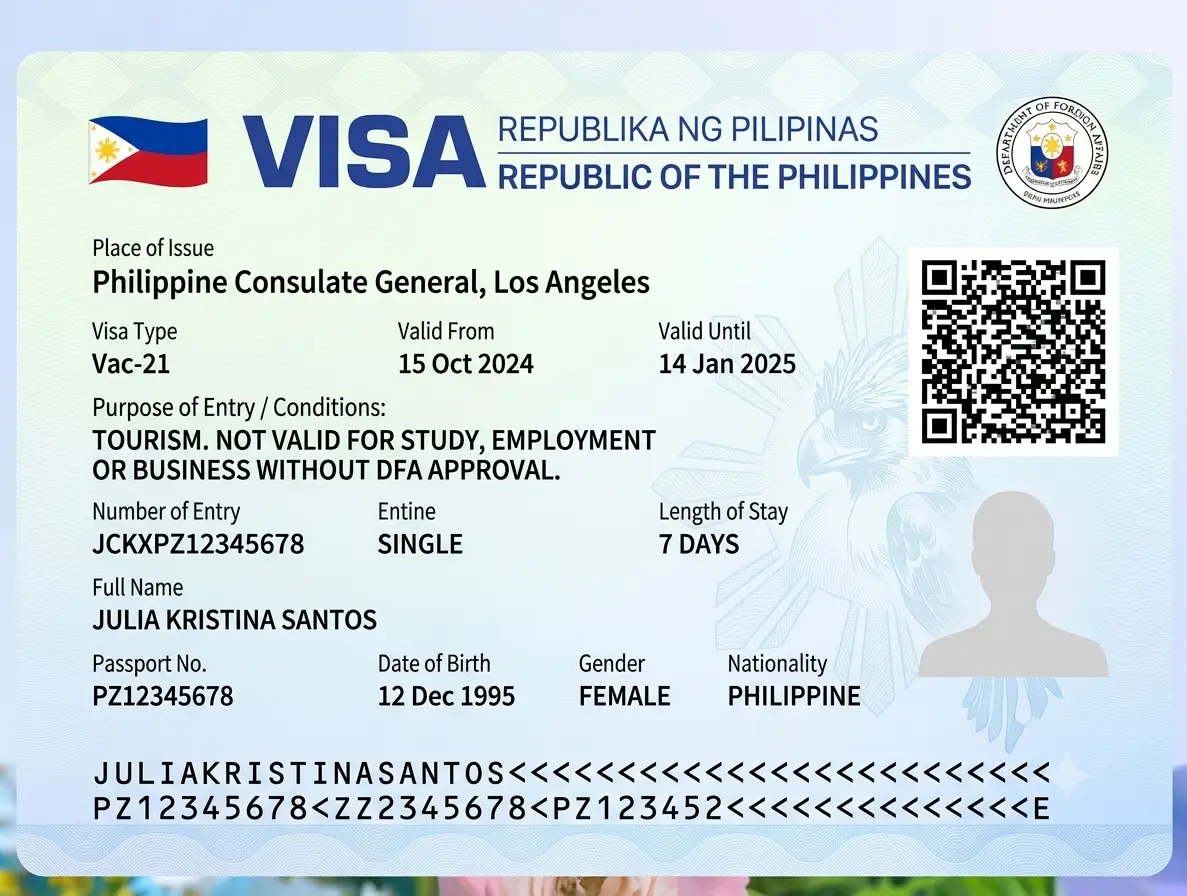
Use these examples as planning prompts, not as a substitute for the live travel questions presented for your itinerary.
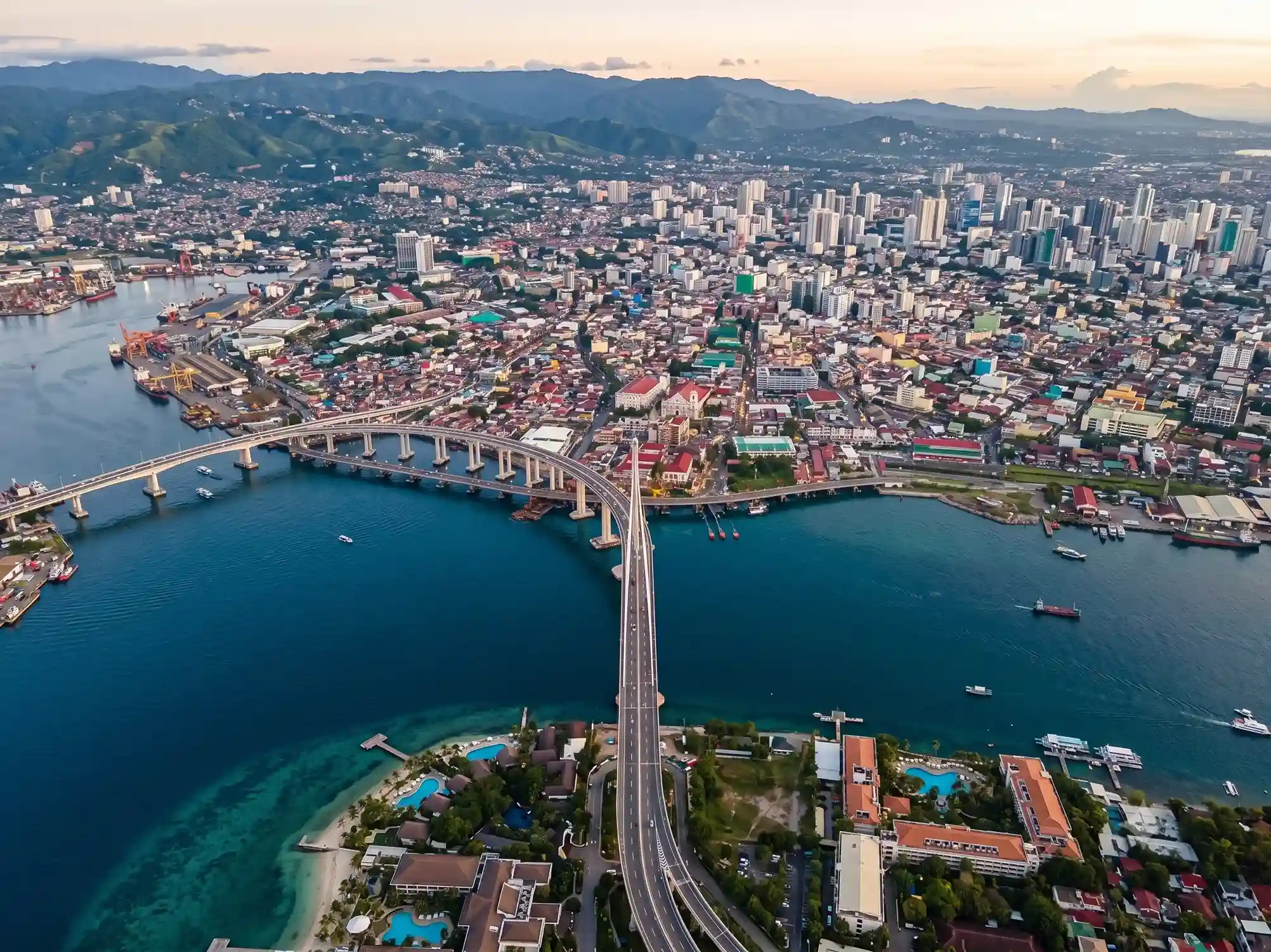
From city stops to island itineraries, plan your route after checking the travel declaration and any separate passport or visa requirement that applies to you.
No. eTravel is a digital travel declaration and QR-record process. Any separate visa or admission requirement depends on your nationality, purpose and itinerary.
The FAQ says travellers may register or update within 72 hours, or three days, before arrival into or departure from the Philippines.
Yes. The eTravel system states that registration and updates are free. Be cautious of pages that present a registration payment as mandatory.
Save, screenshot or print the QR code before closing the system and keep the reference details available for boarding and travel checks.
Permitted details may be edited before the record is processed and verified. Use the current edit function and keep only the record you intend to present.
Our private assistance team can help organise the information checklist, review avoidable inconsistencies and keep your travel declaration preparation separate from border decisions.
Practical guidance for eTravel timing, QR records, arrival preparation and Philippines trip planning.
No Philippines guides published yet.
Clear preparation from travel timing to QR-code storage.